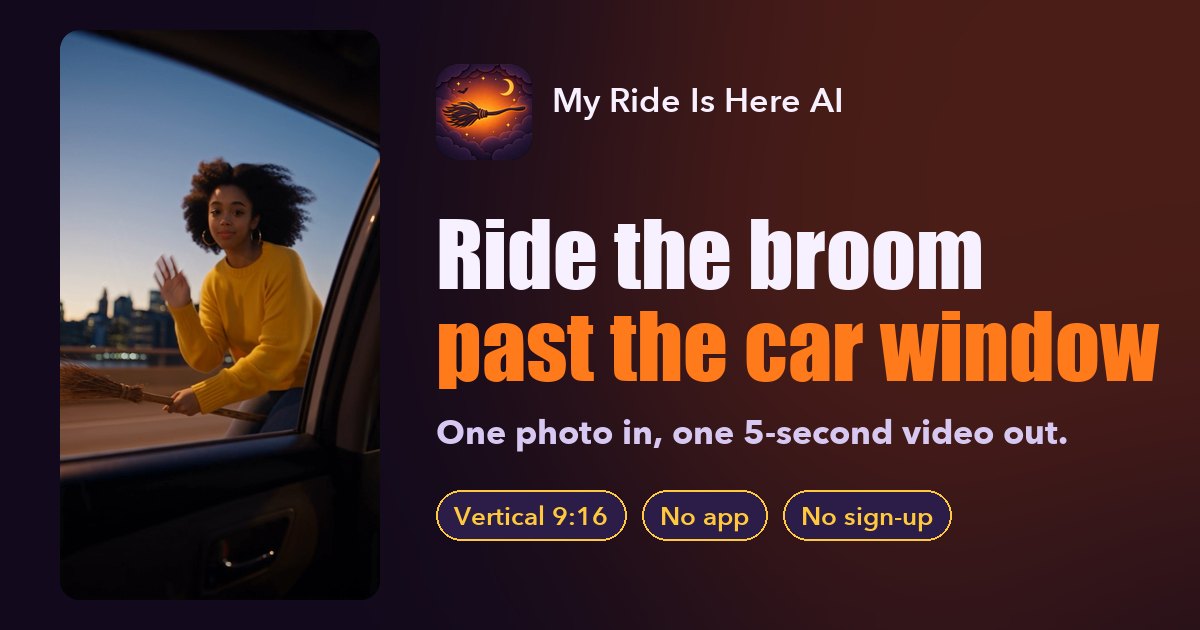
To make a My Ride Is Here video, upload one clear photo of one person, pay once ($4.90 for your first video, $5.90 after) and download a 5-second, silent, vertical 9:16 MP4 of that person riding a witch's broom past a moving car's window, usually in about 5 minutes. No app, no account and no editing are needed.
What you need
- One photo of one person, face clearly visible. JPG, PNG, WebP and iPhone HEIC all work; the photo must be at least 300 pixels on each side.
- The right to use it. A photo of yourself, or of someone who agreed. No celebrities.
- An email address for checkout. The link to your video is sent there.
- About 5 minutes of waiting, which you do not have to spend on the page.
Step 1: Pick one photo
The AI uses your photo as the look of the rider: face, hair and outfit carry over into the video. So pick the photo for the person, not for the background.
- A selfie, head-and-shoulders or half-body shot works best.
- Face the camera or close to it, eyes open, no sunglasses or mask.
- Daylight or a bright room. Dark, blurry or heavily filtered photos give weaker results.
- Wear (or pick a photo with) the outfit you want to see on the broom. A witch hat is a fun extra but not needed: everyday clothes are part of the joke.
- One person only. The effect shows one rider.
Large photos are resized for you. A photo smaller than 300 pixels on a side is refused before you pay. More examples of what works and what fails are in the best photos for this trend.
Step 2: Upload, add a note if you like, and pay
On the home page, tap the button, add your photo and confirm you have the right to use it.
There is an optional note box. Leave it empty for the classic shot, or add a short line such as "at night in light rain" or "wearing a black witch hat" to change the scene. Ideas are in My Ride Is Here prompts that work.
Then pay for one video on the secure checkout page. You pay once per video, with no subscription and no sign-up. After paying you come back to the page and your video starts on its own. The address you use at checkout also gets an email with a private link to the video.
Step 3: Download and post
The video is usually ready in about 5 minutes. You can close the page while it is being made and open it later from the email link on any device.
Download the MP4: 5 seconds, vertical 9:16 and silent. Then:
- Open TikTok, Instagram Reels or YouTube Shorts and upload the clip.
- Add a sound in the app's editor. Our videos are silent on purpose so you can pick any sound the app offers. See what song is in the My Ride Is Here trend for how to reuse the sound of a post you like.
- Add the caption "my ride is here" (that is the joke) and post.
Settings at a glance
| My Ride Is Here AI | |
|---|---|
| Input | One photo, one person, face clearly visible |
| Photo format | JPG, PNG, WebP or HEIC, at least 300 px on each side |
| Output | One MP4: 5 seconds, vertical 9:16, no sound |
| Model | Seedance 2.5 by ByteDance (a third-party model) |
| Time | Usually about 5 minutes |
| Price | $4.90 first video, $5.90 after, pay once |
| Account | Not needed; the video link is emailed to your checkout address |
| If it fails | Credits come back automatically; make it again at no extra cost |
If something goes wrong
- "This photo is too small." Use the original photo instead of a screenshot or a cropped copy.
- The face does not look like you. Try a sharper, front-facing photo with even light. Small differences can happen with any AI video.
- The video failed. Its credits come back automatically, so you can make it again with the same or another photo at no extra cost.
FAQ
How long does it take?
Usually about 5 minutes. You can leave the page: the finished video is also sent to the email you used at checkout.
Do I need an account or an app?
No. It works in the browser, and you can pay without signing up.
Can I add a short line to change the scene?
Yes. The note box is optional; a short line such as "at night in the rain" is used together with the effect.
What if the video fails?
Its credits come back automatically, so you can make it again at no extra cost.
Can two people ride the broom together?
No. The effect shows one rider, so use a photo of one person.
My Ride Is Here AI guides
- What Is the My Ride Is Here Trend? TikTok Witch Broom Meme (2026)
- Free My Ride Is Here AI Generator? The Honest Answer (2026)
- My Ride Is Here CapCut Template vs AI: Which Wins? (2026)
- Higgsfield & Dreamina Alternative for My Ride Is Here (2026)
- Best Photos for My Ride Is Here: What Works and What Fails
- Can Your Dog or Cat Ride the Broom? My Ride Is Here Pets (2026)
- What Song Is in the My Ride Is Here Trend? (2026)
- My Ride Is Here AI Prompts That Work (Car Window Broom, 2026)